TL;DR: Google is launching a native Gemini application for macOS Sequoia (15.0) that runs exclusively on Apple Silicon hardware. The software allows users to summon AI assistance via customizable shortcuts, read active window contents, and generate media using Veo and Nano Banana. This release intensifies the direct competition between Google and OpenAI for desktop AI integration.
Google is expanding its desktop footprint with a native Gemini client designed specifically for macOS. This release places Google in direct competition with OpenAI's ChatGPT desktop app, signaling a highly competitive phase in the AI desktop race heading into 2026. See our Full Guide to learn how this integration alters the competitive dynamics of enterprise AI deployment.
What Are the System Requirements for the Gemini macOS App?
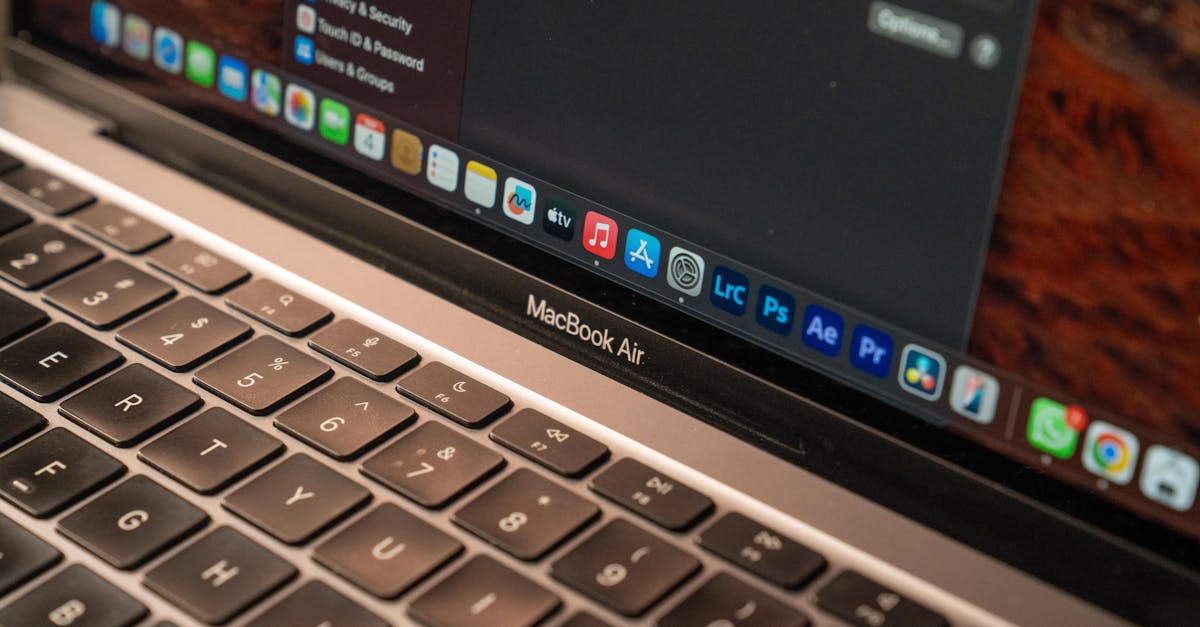
The native Gemini app for macOS requires macOS Sequoia (15.0) or higher and runs exclusively on Macs equipped with Apple Silicon. Google restricts hardware compatibility to protect performance metrics and ensure that context-heavy operations execute with minimal latency. This approach ensures that background AI features do not degrade the performance of other local software applications.
Supported Hardware and Operating Systems
Intel-based Mac computers cannot run this application. The software is optimized solely for Apple Silicon, which includes systems powered by M1, M2, M3, or M4 processors. This engineering choice utilizes Apple's unified memory architecture to manage prompt processing efficiently. Your system must also run macOS 15.0 Sequoia or a newer release to support the modern security and system-level accessibility permissions that Gemini requires.
Account and Regional Availability
The Gemini application is free to download for users who are at least 13 years old. It is accessible in all regions and languages where Google currently supports the standard Gemini web service. When users log in with their corporate Google Workspace or personal Google account, their conversation histories and memory profiles sync across all devices. This synchronization provides continuity between desktop, tablet, and mobile environments.
How Do Professionals Use Gemini Directly in macOS Workflows?
Professionals trigger the Gemini macOS app using global keyboard shortcuts to analyze active documents, code, or data without opening a browser tab. The application operates as an overlay, allowing users to brainstorm, search for formulas, or clarify topics while keeping their primary workspace visible.
Keyboard Shortcuts and Entry Points
The application features customizable hotkeys to prevent conflicts with software like Xcode or VS Code. The default shortcut Option + Space opens a compact minichat interface for quick queries. Pressing Option + Shift + Space opens the full chat window for complex prompts. Users can also access the application via a persistent menu bar icon or by clicking the Gemini icon in the macOS Dock, adapting to different multitasking preferences.
Screen Sharing and Contextual Assistance
By selecting the "Add files and tools" option, users allow Gemini to analyze whatever content is visible in their active window. This visual analysis provides immediate, context-specific assistance for coding or reviewing data. To enable Gemini to read complete pages within web browsers, users must navigate to System Settings, open Privacy & Security, select Accessibility, and enable the permission toggle for Gemini.
Google Gemini Integrates Advanced Creative Tools Directly Into macOS
The native Gemini macOS application includes direct access to Google's proprietary creative engines, Nano Banana and Veo, for instant image and video generation. This integration brings high-end media creation tools out of isolated web portals and directly into the daily workspace of creators, designers, and managers.
High-Resolution Image Creation with Nano Banana
The Nano Banana integration lets business users generate custom illustrations and product mockups on demand. It processes commands directly from the macOS desktop, providing a localized workflow for marketing teams. Designers can quickly iterate on visual concepts without interrupting their primary editing software, saving valuable time during active projects.
Enterprise Video Generation with Veo
Google Veo, the company's generative video model, operates inside the native app to produce high-definition video clips. Enterprise users can prompt Veo within the chat interface, streamlining the production of presentations, training materials, and social media assets. This desktop-level integration reduces the friction of context-switching during video production.
Key Takeaways
- Hardware Lock: The app requires macOS Sequoia (15.0) or higher and only runs on Apple Silicon (M-series) chips.
- Workflow Shortcuts: Customizable global keyboard shortcuts trigger minichat and full-chat overlays directly over active applications.
- On-Screen Context: Setting system accessibility permissions allows Gemini to read active browser windows and shared screen files for contextual problem-solving.
